


Your back, your day: practical ergonomics for UK Home Offices
Change language:
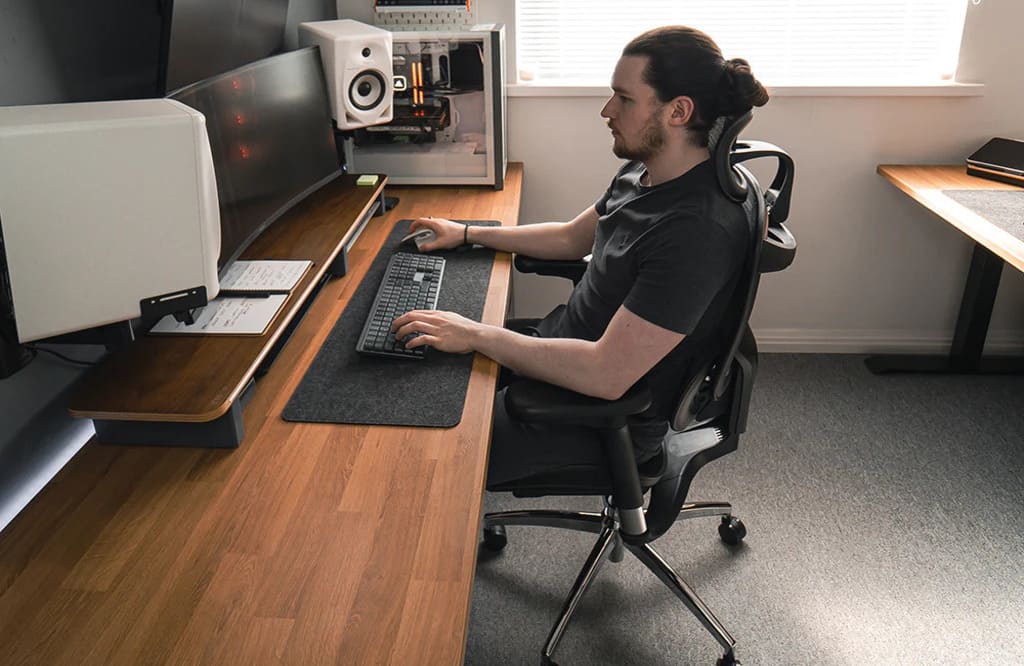
It’s 3:15pm, your shoulders have crept upwards, and the small of your back is whispering threats. It isn’t just workload; it’s your set-up. Most British homes weren’t designed as offices, so we perch at the dining table, hunch over laptops, and wonder why focus fades by mid-afternoon. An ergonomic chair isn’t a luxury here; it’s the simplest way to give your body less to fight against.
Ergonomics steps in as everyday relief rather than a gimmick: a smarter desk height, better lighting, and an Ergonomic chair that supports the spine’s natural curve and keeps micro-movement alive. Put those pieces together and you finish the day with energy left for your life.
Ergonomics in one sentence
Fit the work to the human, not the human to the work. In practice, that means three habits: support the spine’s natural S-curve, share load across multiple contact points, and keep micro-movement alive throughout the day.
A five-point reset for real homes
You don’t need a spare room or designer kit. Start with these fundamentals:
- Screen to eye line — the top of your screen near eye height. With a laptop, add a stand plus an external keyboard and mouse.
- Elbows at ~90° — forearms supported by desk or armrests; if your shoulders shrug, lower something.
- Hips slightly higher than knees — sit back so your lower back actually meets the backrest.
- Feet planted — flat on the floor or on a footrest; dangling feet equal a tense lower back.
- Two working angles — one upright “focus” angle and one mild “ponder” recline. Swap between them every 30–45 minutes.
Small home, big effect: modular ergonomics
UK homes are compact and multipurpose. Aim for a set-up that deploys in the morning and disappears at six:
- A fold-flat laptop riser and wireless keyboard that live in a drawer.
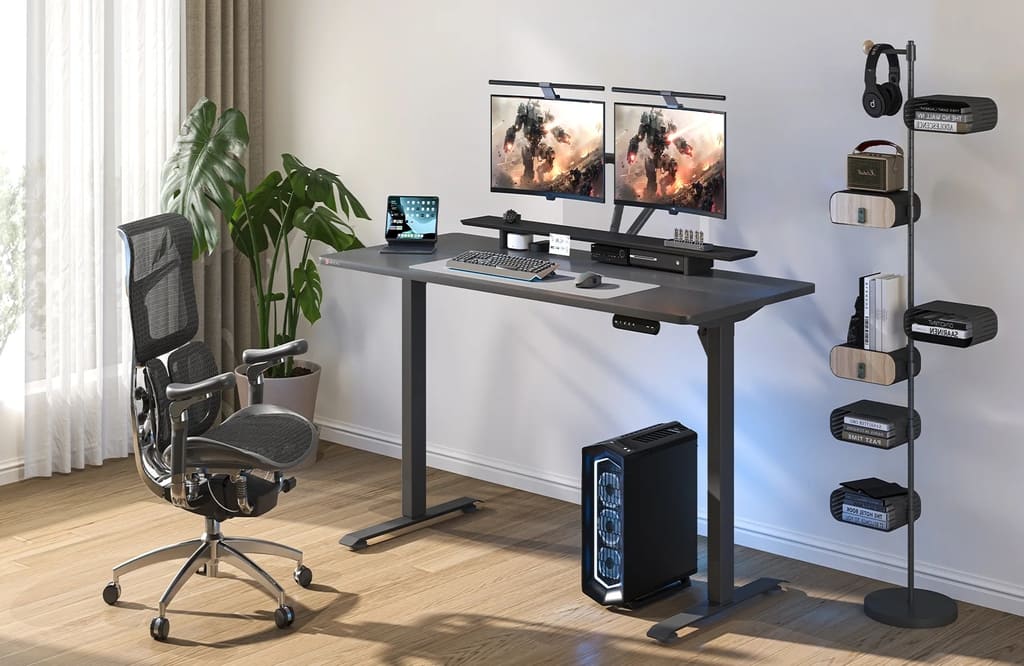
- A task lamp with a warm, diffuse beam to cut eye strain on grey afternoons.
- Cable tidy + tray for everyday bits (pens, charger, notebook) so surfaces stay clear.
- A mobile chair that rolls out at 9am and tucks away after work.
Movement you’ll actually do
Heroic intentions fade; micro-moves stick. Try the 30/30 cue: every ~30 minutes, do ~30 seconds of something — stand for the first minute of a call, heel raises while a file loads, shoulder rolls before “Join meeting”, look 20 feet away for 20 seconds to relax eye muscles. Tiny resets keep blood flow and concentration steady.
Sensory ergonomics: light, sound, air
Comfort isn’t only joints and angles.
- Light: daylight if you can; otherwise a warm task lamp aimed at the desk, not your eyes.
- Sound: consistent low noise (fan or gentle playlist) can focus better than silence; noise-cancelling helps in lively homes.
- Air & heat: a stuffy room encourages slouching; crack a window or use a quiet fan to stay alert without chills.
The chair question (without turning it into a hobby)
Your chair is the only part of your set-up that touches you for hours. The right one doesn’t force a pose; it follows you through real tasks — leaning in to type, sitting tall for a call, reclining to read. Use this quick buyer’s lens:


I used to think that there were almost no good slot sites in Canada. But after trying North Casino , I realised I was wrong. There is a huge selection of slots here, everything works smoothly, and you can even win real money. So I can confidently recommend this site to others, because you can win money here.